Move to Shopify, and keep every product, customer and link.
A good move to Shopify carries across products, customers, order history, gift cards and every old link, with each old address redirected, so customers and search engines find the new store as if nothing changed.
7 min

01
Why shops move.
Most shops start on whatever was quickest. Wix, Square Online, WooCommerce and Magento all work until the business outgrows them.
The signs are familiar. The catalog is slow to update, the counter and the website disagree about stock, plugins break after updates, and customers can’t tell what is in stock or on pre-order.
Shopify puts the online store and the counter on one system. The risk is the move itself, and that risk is in the details.


The risk is the move itself, and that risk is in the details.
02
What must come across.
Write the list before anything moves. Each item needs a plan for how it is exported, cleaned, imported and checked.
- Products, with every variant, photo, description, price, barcode and stock level
- Collections and categories, so customers can browse the way they always have
- Customers, with addresses, tags and marketing consent
- Order history, so returns, reorders and lifetime value still work
- Gift cards and store credit, with their exact balances
- Reviews, blog posts and content pages
- Redirects from every old address to its new home
03
Products and customers.
Shopify imports products and customers from spreadsheets, and the trouble is usually in the source data. Variants listed as separate products, missing photos and duplicate customer records all need cleaning first.
Passwords can’t be moved, because the old platform encrypts them. Customers are invited to set a new password on the new store, or, on Shopify’s newer customer accounts, simply sign in with a one-time code sent to their email. Plan that first message as a welcome, so it reads as good news.

04
Orders and gift cards.
Past orders come across through Shopify’s own Store Importer, a migration app or the Shopify API, after products and customers are in place.
Gift cards need the most care, because each one is money a customer is owed. Move them through a migration app or the API, check every balance against the old system, and do it as close to launch as you can so nothing is spent in between.

05
Redirects protect your search rankings.
Every old page that ranks on Google has an address. When the address changes and nothing points the old one to the new one, that ranking is lost and the visitor lands on an error page.
Map every old product, collection and content page to its new address before launch. Shopify stores these as URL redirects. After launch, watch Google Search Console for missing pages and fix them as they appear.
06
Point of sale at the counter.
If you have a shop, the counter should move with the website. Shopify POS shares one catalog, one stock count and one customer list with the online store.
That means checking hardware, card readers and barcode labels, and training staff before the first real sale. Stitch by Stitch moved its counter and its website onto Shopify together.


07
Time it around your busy season.
Never switch during the weeks that pay for the year. For most shops that means the holidays, and for some it is spring, graduation or a festival.
Pick a quiet stretch, give yourself time to test, and keep the old platform running until the new store has been checked. Run a final sync of orders, customers and gift cards just before the switch.
On launch day, test real purchases online and at the counter, confirm email and tax settings, and check analytics and ad tracking on the new checkout.
08
What a move can make possible.
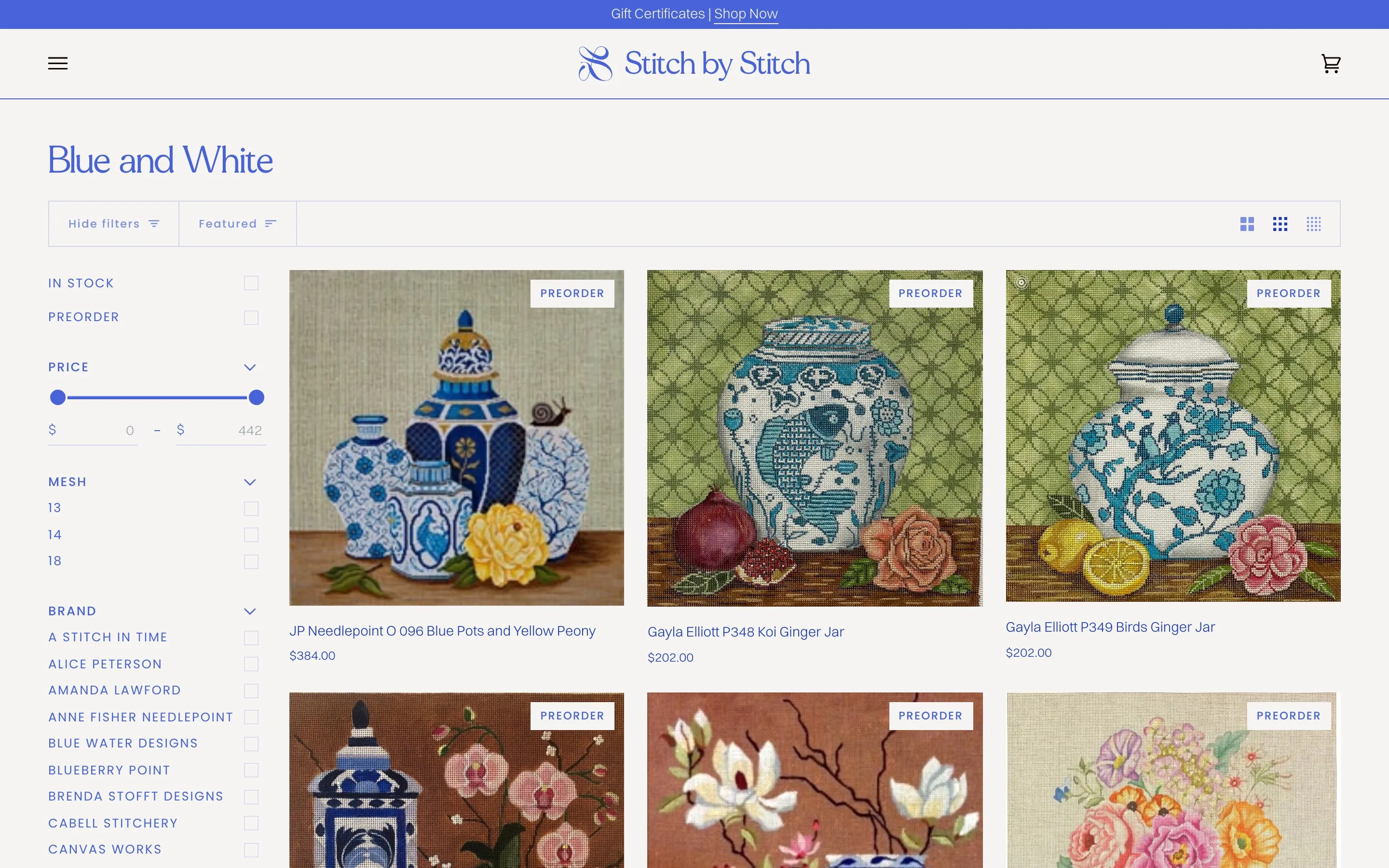
A move is a chance to fix what held the shop back. Stitch by Stitch, a needlepoint shop in Larchmont, New York, left Wix for Shopify with a new identity, the full catalog and Shopify point of sale at the counter.
Email flows and campaigns now bring stitchers back, and annual sales have grown 2,150% over our four years together, 2022 to 2026.